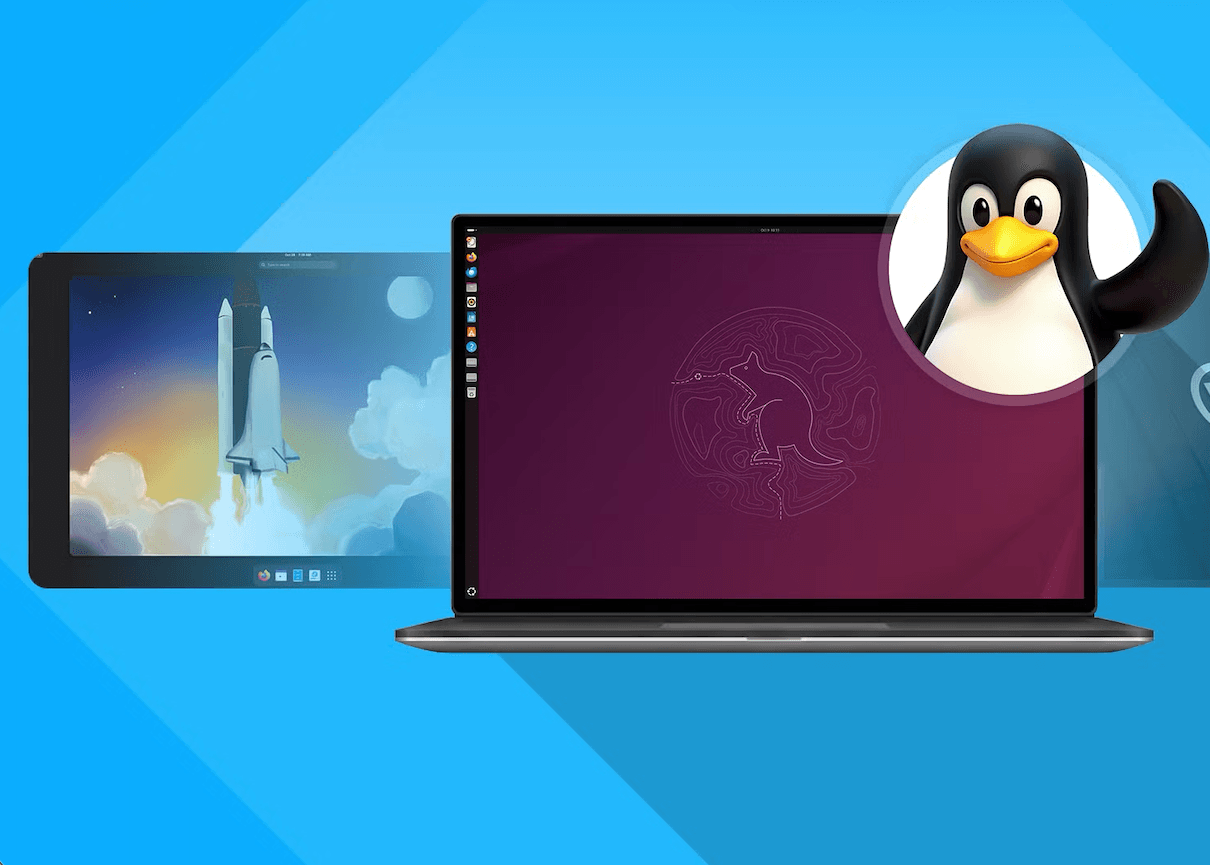
For years, Ubuntu was the undisputed king of the Linux desktop for those who wanted a stable, reliable and easy to use desktop environment. It was the "default" choice for many, including myself.
From the early days of 16.04, it was the reliable and worked amazingly well as your "daily driver", but the landscape of Linux has shifted. After 10 years I've made the move to Fedora, specifically Fedora KDE, and the experience has been nothing short of liberating.
In this article I'll try to explain the nuances of the move, and why Fedora has become my new daily driver.
The Elephant in the Room: The Rise of Snaps
For me, the defining moment that broke the camel's back and made me want to leave Ubuntu was the forceful push of Snaps.
While the concept of universally package-managed applications is a worthy goal, the implementation and execution of Snaps have been increasingly problematic for users like me.
The "Firefox Incident" as a Turning Point:
The most common example was the shift of Firefox, a core component of any desktop Linux experience, to a Snap-only distribution model in recent Ubuntu versions. This wasn't just a change in package management; it felt like an imposition.
Forced Compliance: When I tried to install Firefox via the standard apt command on Ubuntu 22.04, even with common workarounds found on Reddit, it's still forced to install it as a Snap package.
The Problem with a Closed Ecosystem: This move highlighted a fundamental flaw in the Snap system. While Fedora's Flatpaks and Arch's AUR promote decentralized repositories and user control, Snaps are heavily controlled by Ubuntu's Snap Store. The proprietary nature of the Snap backend, the centralized control over the Snap Store, and the lack of a true, community-driven alternative made it feel less like an open-source solution and more like a walled garden.
Slow Start Times: The single biggest complaint about Snaps, and one that I personally experienced on some applications, is the slow startup time. My Firefox browser would hang for an agonizing few seconds before opening, a noticeable degradation in performance compared to the native .deb package. For any user who values responsiveness, this was a major deal-breaker.
Beyond Firefox: The Ubiquity of Snaps
It wasn't just Firefox. More and more software was being "snapped," often without a clear reason or a direct benefit to the user. This aggressive promotion of Snaps, coupled with the slow development and adoption of Flatpak in Ubuntu, created a sense of a forced ecosystem. Users were being nudged, or outright pushed, into a specific path, often sacrificing choice and performance along the way.
The Contrasting World of Flatpaks and Fedora:
Fedora, by contrast, takes a different approach. While they are a major driver of the Flatpak format, they don't force it upon users. You can still install software via the traditional dnf package manager. Furthermore, the Flatpak ecosystem, with Flathub as a central repository, feels much more collaborative and community-driven. This distinction is crucial, as it speaks to the philosophies of the two projects.
The KDE Plasma Renaissance: Customization without Chaos
The second major reason for my migration was the sheer brilliance of the KDE Plasma desktop environment. For a long time, I was content with GNOME, the default on Ubuntu. Its simplicity and focus on getting things done were appealing. However, as I grew more comfortable with Linux and my needs evolved, I craved more control and a sense of ownership over my desktop.
For example, for my work, I use Mac for years now, and switching from Mac to any other Linux distro might feel in-affective, but with KDE Plasma, I can still use my Mac-like workflow (Only for the things I like about Mac)and still have the power of Linux. This results in a more efficient and productive workflow and usage of my desktop.
GNOME's Limitations
GNOME, while elegant, often feels restrictive. The "GNOME way" of doing things can sometimes feel like a straightjacket, where customization is limited and often requires extensions that can be unstable and poorly maintained. The removal of features, like the desktop icons and the tray icon, felt like a step backward in terms of usability for me.
Enter KDE Plasma
My first experience with KDE Plasma was a revelation. It wasn't just another desktop environment; it was a suite of tools and a framework for building your ideal workspace. The beauty of Plasma is that it can be as simple or as complex as you want it to be, and you can easily customize it to your needs. On some aspect, I even built a custom plugin for KDE Plasma Search to improve my workflow.
Ultimate Customization:
Every aspect of Plasma is customizable. From the themes, icons, and fonts to the window managers, panels, and widgets, you are in complete control. Want a traditional Windows-like taskbar? You can do it. Prefer a Mac-like dock? No problem. Crave a minimal, tiling-inspired setup? Plasma has you covered.
The Power of Widgets:
Plasma's widget system is incredibly powerful. You can add widgets for everything from system monitoring and media controls to weather and calendar. This ability to tailor your desktop to your exact needs is unparalleled.
The Elegant Side of Plasma:
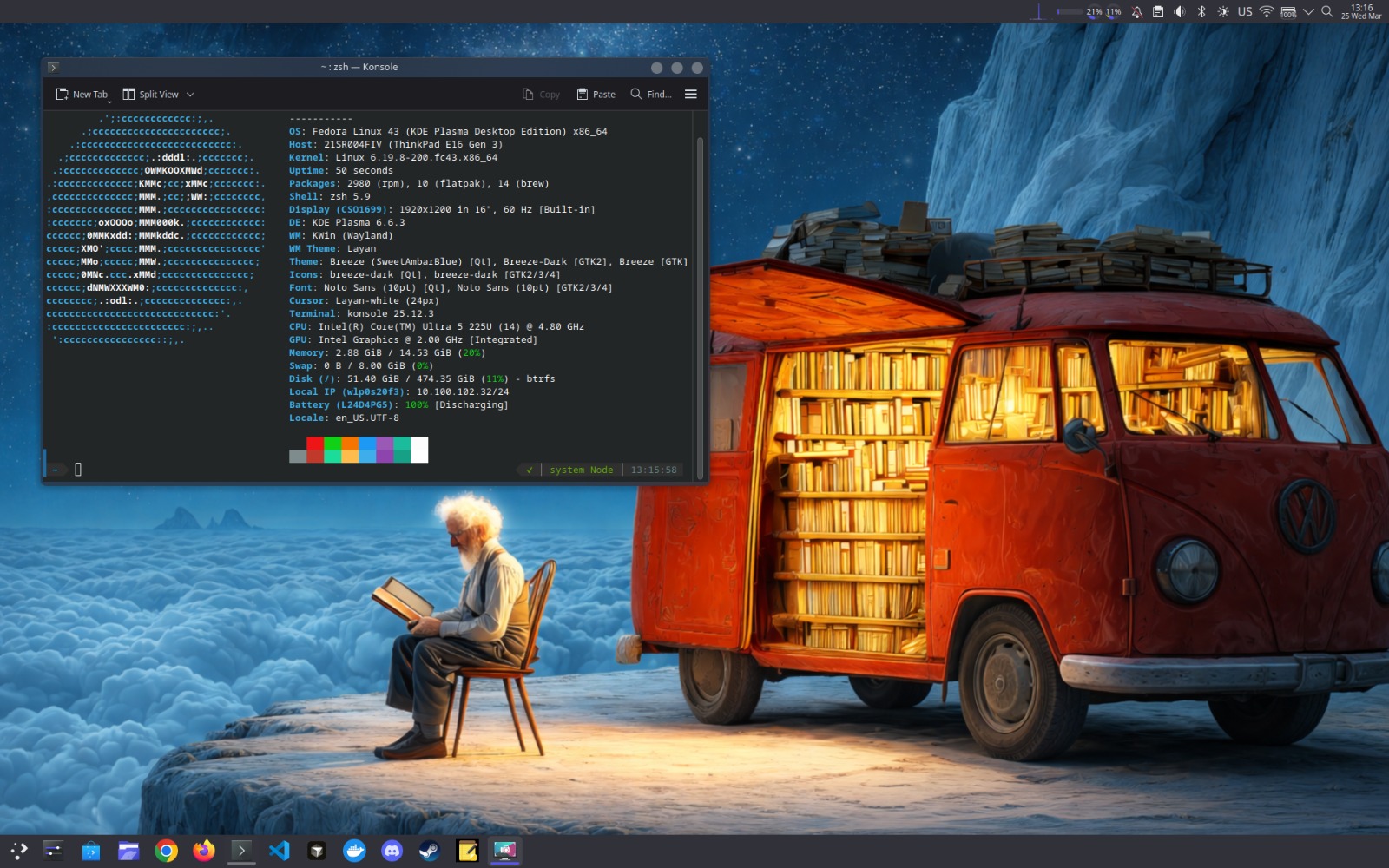
Modern Plasma is a thing of beauty. The design is clean, polished, and contemporary. The default Breeze theme is fantastic, but you can easily change it with a single click.
What makes the Fedora KDE spin so compelling is the polish and care that goes into it. This isn't just a stock KDE installation slapped on top of Fedora; it's a well-integrated, cohesive experience. The default configurations are thoughtful, and the KDE team's focus on stability and performance shines through.
Performance and Stability: Fedora's Secret Weapon
One of the most immediate and pleasant surprises after moving to Fedora was the significant improvement in performance. Fedora feels faster, and more responsive than Ubuntu, even on older hardware.
Fedora's secret lies in its philosophy of using the latest upstream software and its leaner default installation.
Bleeding-Edge but Stable: Fedora is known for using newer kernel versions and more recent versions of software packages. This gives you access to the latest performance improvements and features. However, unlike rolling release distributions like Arch, Fedora's release schedule is biannual, which provides a level of stability and predictability that I appreciate.
dnf vs. apt: While both are excellent package managers, I've found dnf to be generally faster and more efficient than apt, especially when dealing with large updates. The use of delta RPMs also helps to speed up the process.
Fedora's "First Principles" Approach: Fedora is developed by Red Hat, a company with a long history of investing in the Linux ecosystem. This means that Fedora benefits from Red Hat's expertise in core Linux technologies like the kernel, systemd, and GNOME. This focus on "upstream first" development means that Fedora often gets improvements and new features earlier than other distributions.
Fedora's "Upstream First" philosophy is another major plus for me. This means that Fedora developers contribute their work directly to the upstream projects (like the Linux kernel, GNOME, KDE, etc.) rather than maintaining a separate fork of the software. This approach benefits the entire Linux ecosystem and ensures that the improvements are available to everyone.
To sum up, my migration to Fedora has been a journey of discovery and a reclaiming of my freedom as a Linux user. The push towards Snaps and the rigidity of the default desktop environment in Ubuntu became points of frustration, while Fedora's embrace of Flatpaks, the power and flexibility of KDE Plasma, and the distribution's focus on performance and innovation have made it a superior choice for my needs.
Fedora KDE feels like the future of the Linux desktop. It's a system that respects user choice, prioritizes performance and stability, and provides a level of polish and integration that is truly impressive. Whether you're a seasoned Linux pro or just starting your journey, I highly encourage you to give Fedora a try. You might just find your new desktop home.